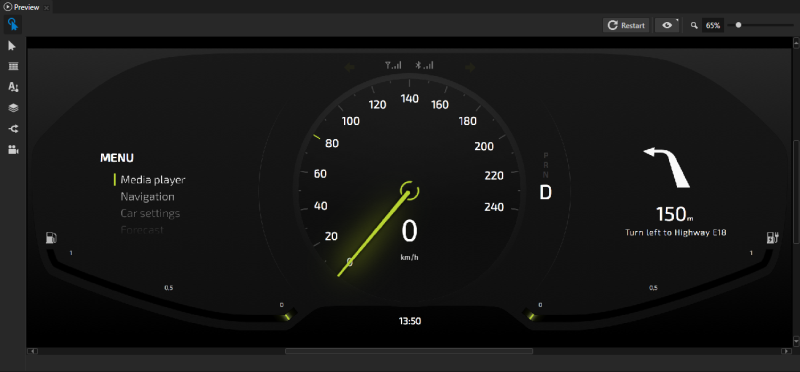
The Preview window in Kanzi Studio shows in real-time the currently open Kanzi application. For example, the Preview in this image shows the Kanzi application you can create by completing the Tutorial: Create gauges.
NOTE
The Kanzi Studio Preview by default uses the TCP/IP for internal communication with Kanzi Studio. If you have a firewall installed on your computer, allow the Kanzi Preview process to go through the firewall.
In the Kanzi Studio Preview you can:
- Control what the Preview shows. See Controlling the Preview.
- Create and position 2D nodes, create and edit Text Block nodes, add triggers, create and position Camera nodes, and zoom and pan around the Preview. See Editing your application in the Preview.
- Analyze the performance of your application. See Analyzing your application in the Preview.
By default the Preview shows your application using the default Kanzi Studio Preview application.
